学习中心

如何减小模型文件的大小


有多种方法可以减小 COMSOL Multiphysics®模型文件的大小,本文将概述几种方法及其操作步骤。

更新首选项

COMSOL Multiphysics®保存的文件通常有压缩或不压缩的两种状态,您可以在文件菜单>首选项下通过更新首选项设置来任意切换这两个选项。
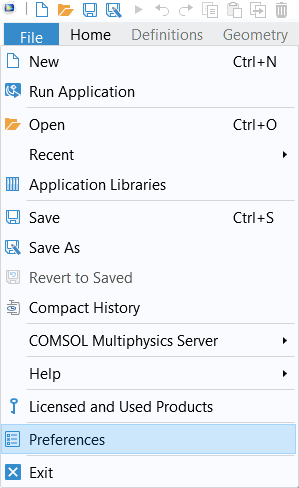
The File menu in COMSOL Multiphysics with the Preferences option selected.

通过文件菜单访问首选项。

在首选项>保存选项卡,您可以将优化 MPH 文件设置更改为文件大小,之后的所有后续保存操作都将压缩文件。这不是首选项中的默认设置,因为压缩文件通常会使保存操作花费更多时间。
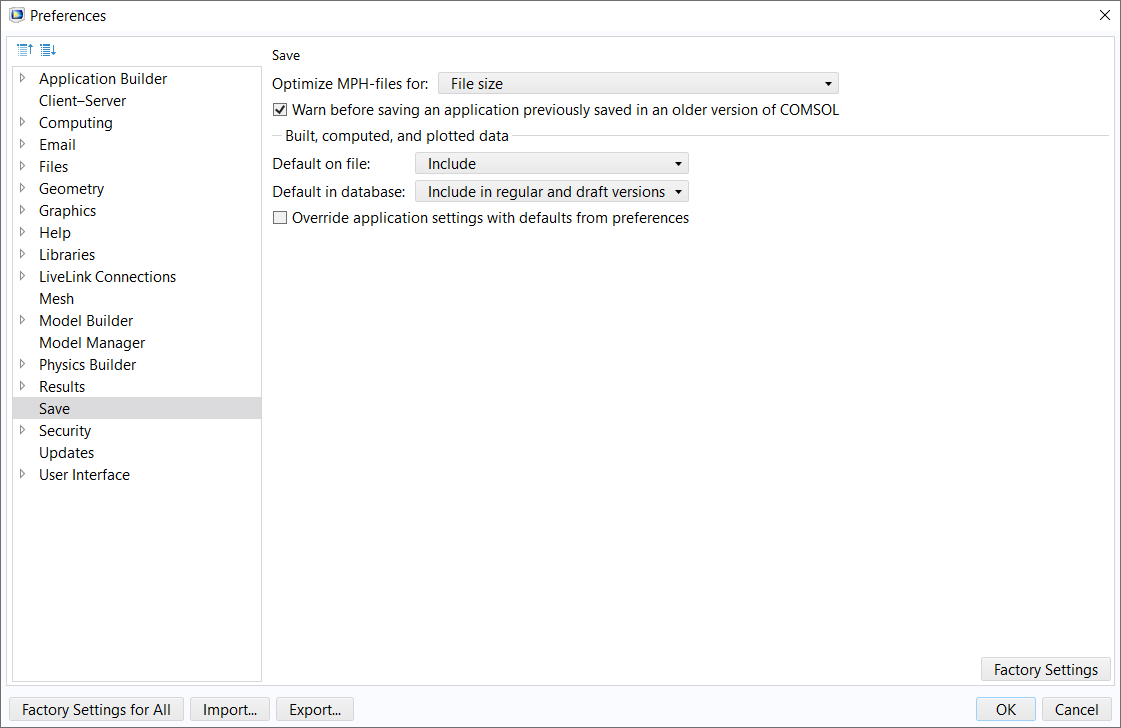
A screenshot of the Preferences window with the Save menu selected to show the options for optimizing saving COMSOL application files.

首选项窗口,其中的选项已更新为建议的设置,以便在保存时减小模型文件大小。

在 COMSOL Multiphysics 早期的版本中,您可以在文件下找到此设置,并在保存COMSOLApp 文件设置栏中,将优化下拉菜单选项更改为文件大小。
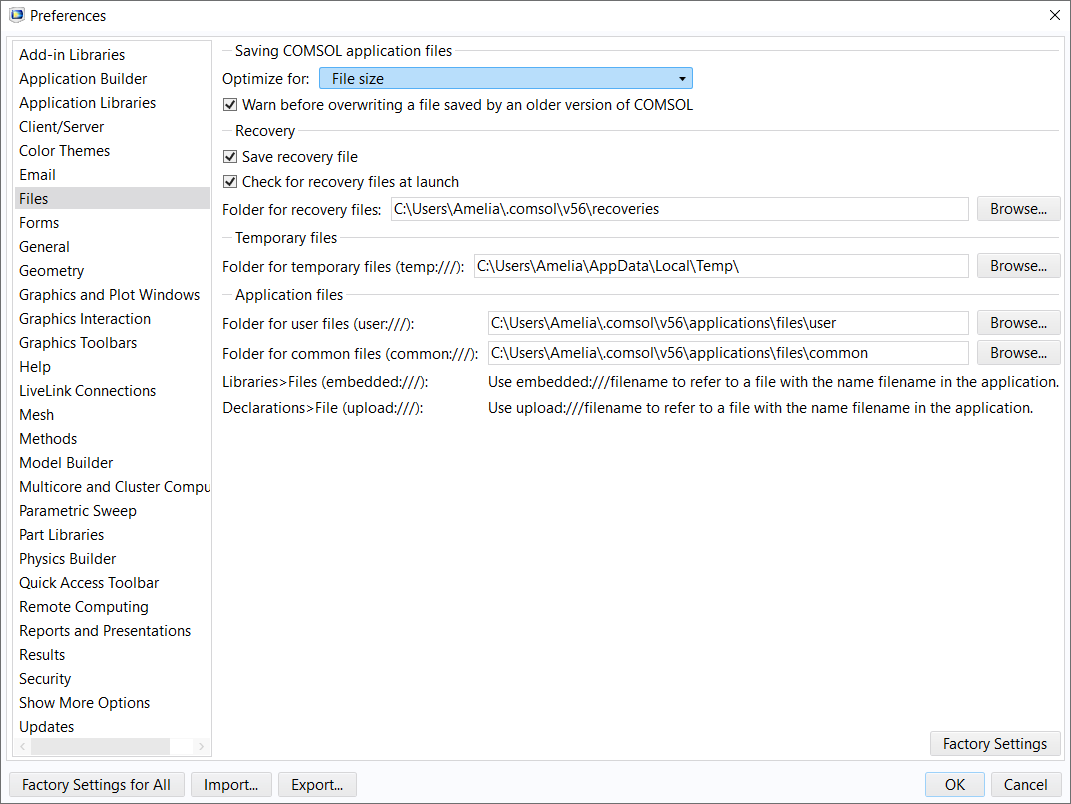
A screenshot of the Preferences window with the Files menu expanded to show the options for saving COMSOL application files as either compressed or uncompressed.

COMSOL Multiphysics 早期版本的首选项窗口,您可以在此更新已保存模型文件的设置。

清除网格和解

如果您不需要保留模型的计算结果,而只想保存未求解的模型,可以使用网格功能区选项卡中的清除构建的网格按钮,或右键单击模型开发器窗口中的网格节点并选择清除构建的网格,就能删除网格数据并保留构建网格的相关信息。
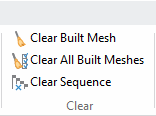
A screenshot of part of the Mesh ribbon in the Model Builder, with the Clear Built Mesh button selected and the Clear All Meshes and Delete Sequence buttons also shown.

网格功能区选项卡中的清除构建的网格按钮。

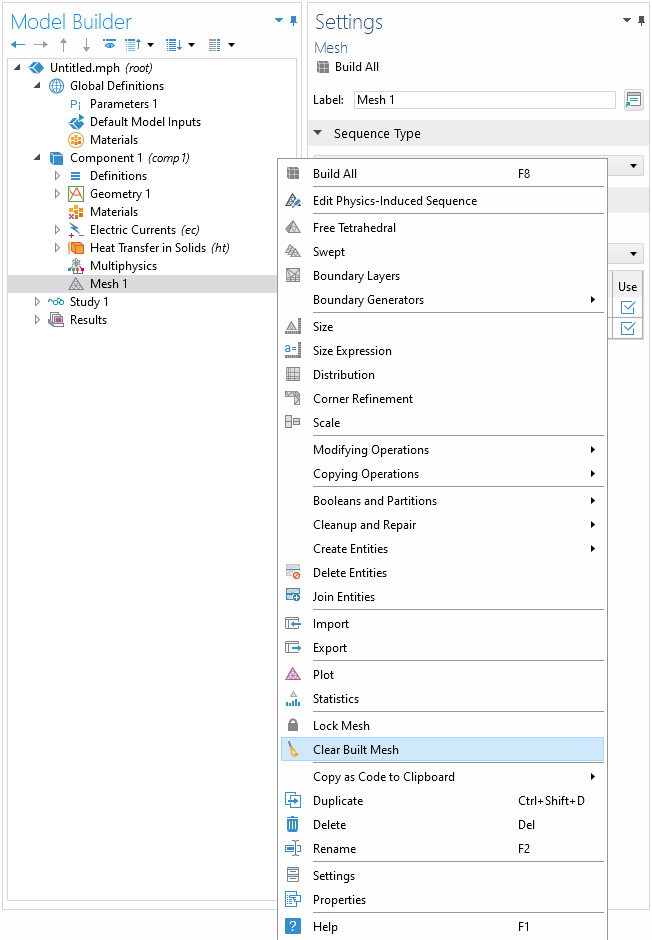
A screenshot of the settings for the Mesh node, with the menu expanded and Clear Mesh option selected.

右键单击网格节点可使用清除构建的网格功能。

同样,您也可以使用研究功能区选项卡中的清除解按钮,或右键单击研究节点并选择 清除解。这样可以删除模型的求解数据,但会保留求解器中关于如何计算求解的信息。重新求解模型时将重新构建相同的网格和求解数据。
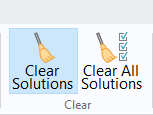
A screenshot of part of the Study ribbon tab in the Model Builder, with the Clear Solutions button selected and the Clear All Solutions button also shown.

研究功能区选项卡中的清除解按钮。

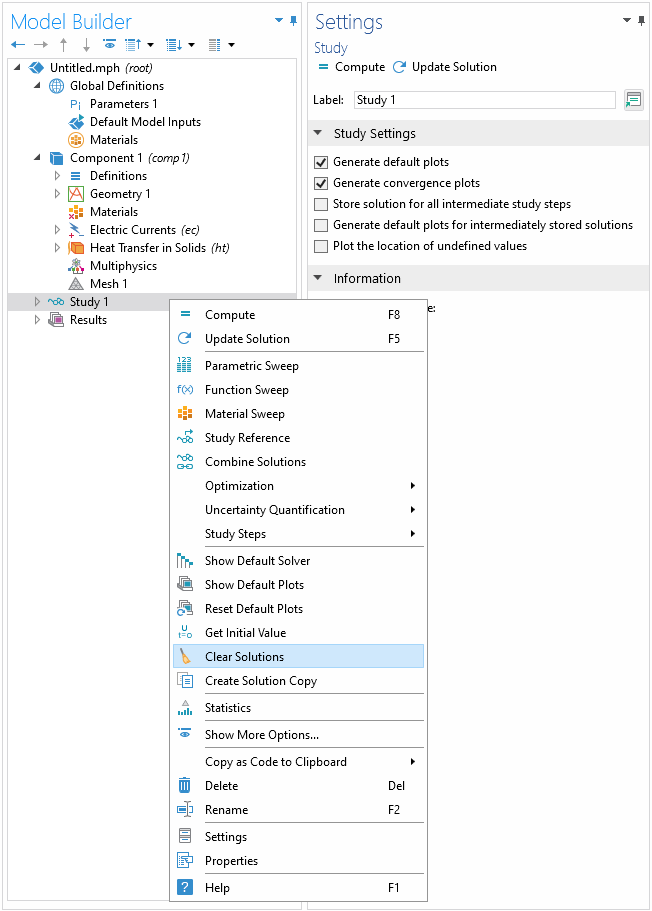
A screenshot of the Study Settings window with the menu expanded and the Clear Solutions option selected.

通过右键单击研究节点可访问清除功能。

减少求解数据量

当生成大量解数据时,文件会变得很大。因此,您也可以考虑减少模型中包含的解数据。如果您想在模型中保留部分而非全部解数据,请参阅学习中心中关于减少模型中存储的解数据量的文章。您可以按照文章中提供的操作步骤进行设置,以减小 COMSOL Multiphysics®模型文件的大小。


请提交与此页面相关的反馈,或点击此处联系技术支持。

Baidu
map